
Read-along books
Listen to recorded narration while Ambra highlights the passage being read and follows along through the book.
How it works
Read-along EPUBs use EPUB Media Overlays: the book includes audio recordings and timing information that links each audio passage to its text. Ambra uses those links to keep narration and reading in step.
This is narration supplied with the EPUB, not automatic text-to-speech. The book needs to include Media Overlays for these controls to appear.
Start listening
Open a book with recorded narration. Read along controls appear automatically at the bottom of the reader. Choose Play to start listening.
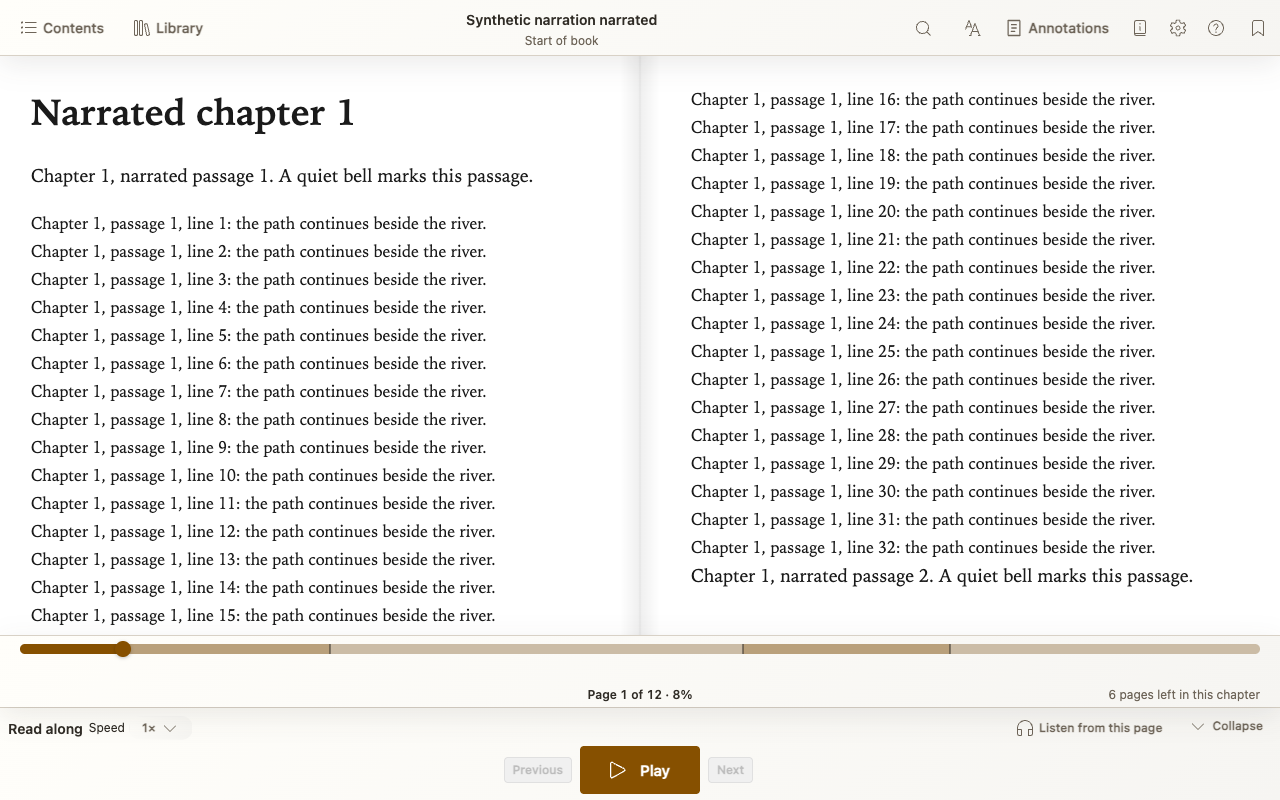
- Use Speed to listen faster or slower.
- Choose Listen from this page to start at your reading position, or select text and choose Listen from selection.
- Browsed away while listening? Return to narration takes you back to the passage being read.
Make more room without stopping playback
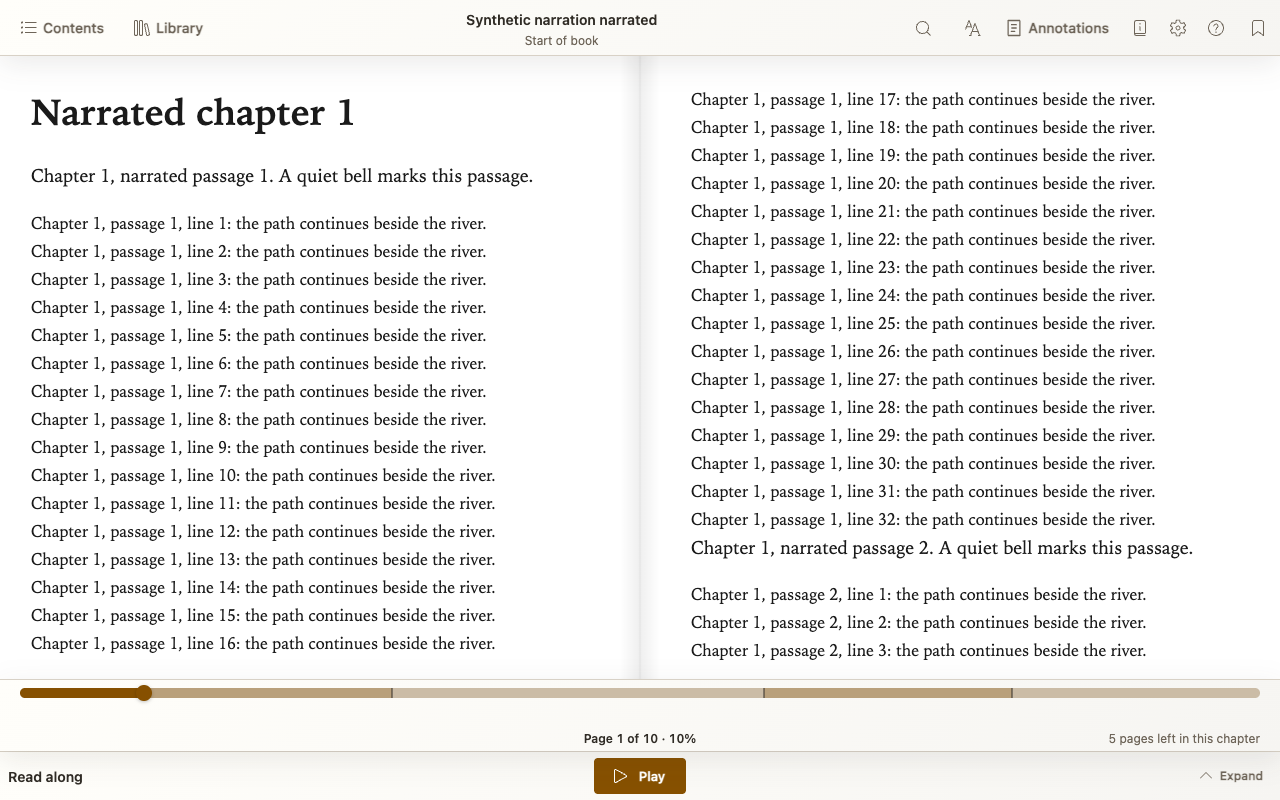
Choose Collapse for smaller controls without pausing narration. Expand brings the full controls back.
Find a read-along book
Try ReadBeyond, also available through Find books in your Library. Choose Download for a read-along EPUB, not the browser-based Read+Listen option.